How to stop sharing a profile
This article explores how users can stop sharing a profile.
Written By unlock
Last updated 6 months ago
You can stop sharing a profile at any time. This will remove access for everyone you’ve shared it with.
🧭 How to stop sharing
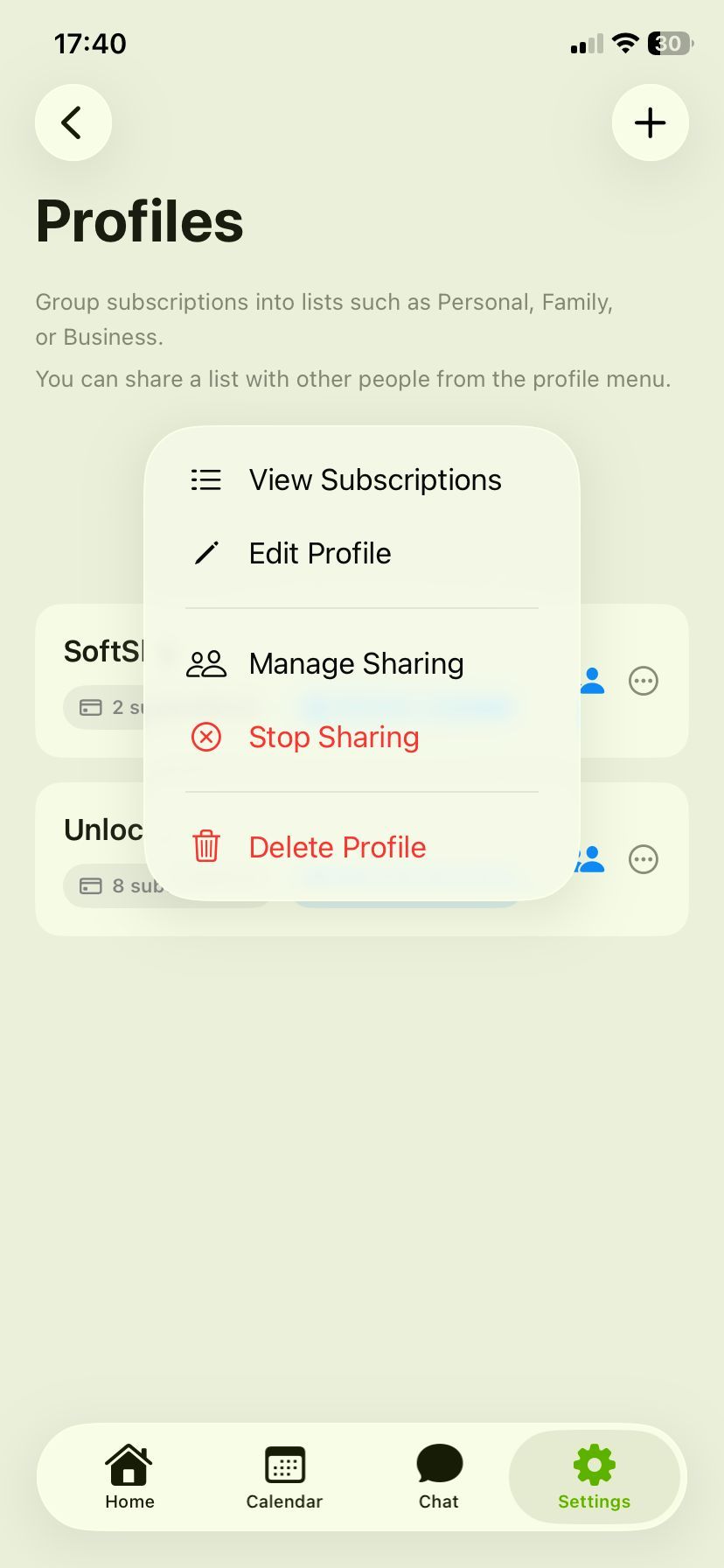
Go to Settings → Profiles
Find the profile you’re sharing
Tap ••• (more options)
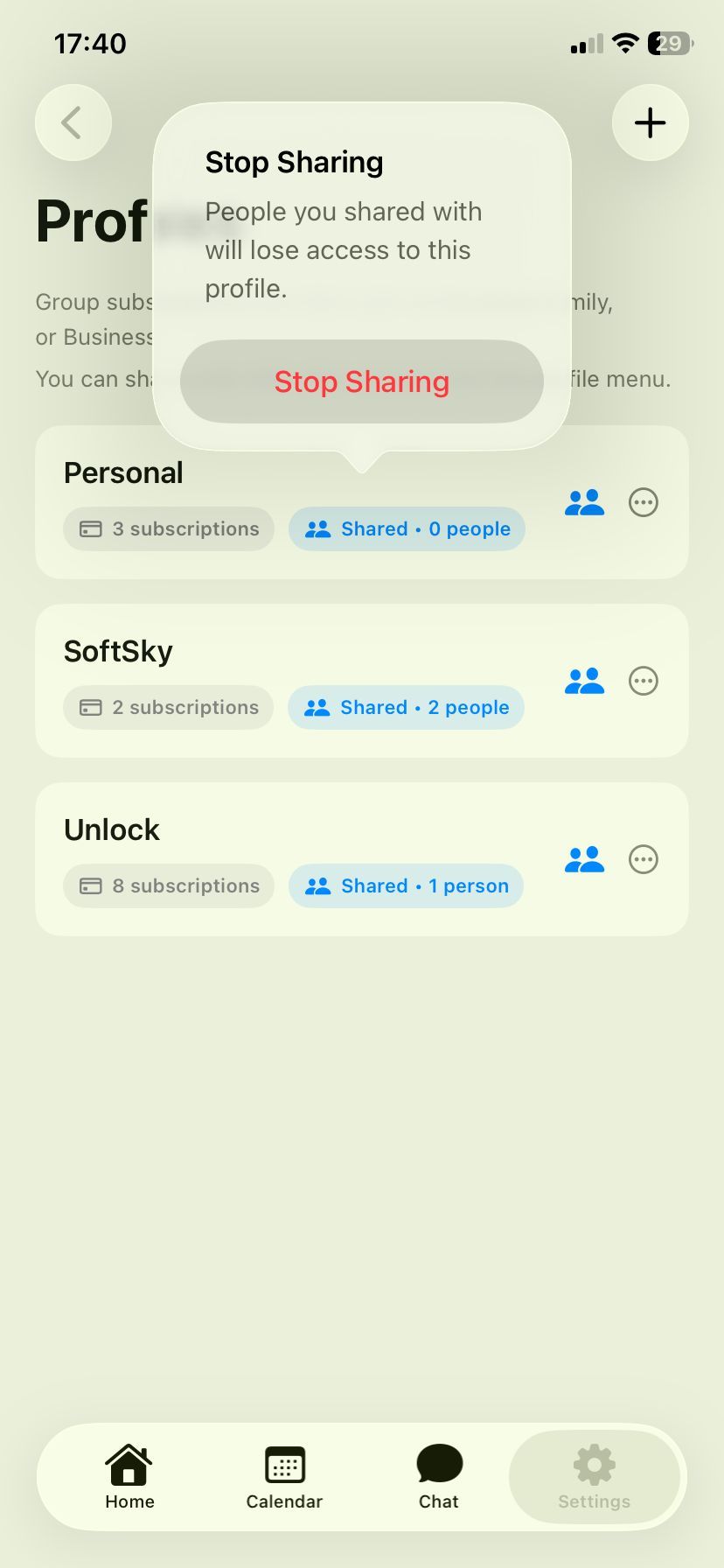
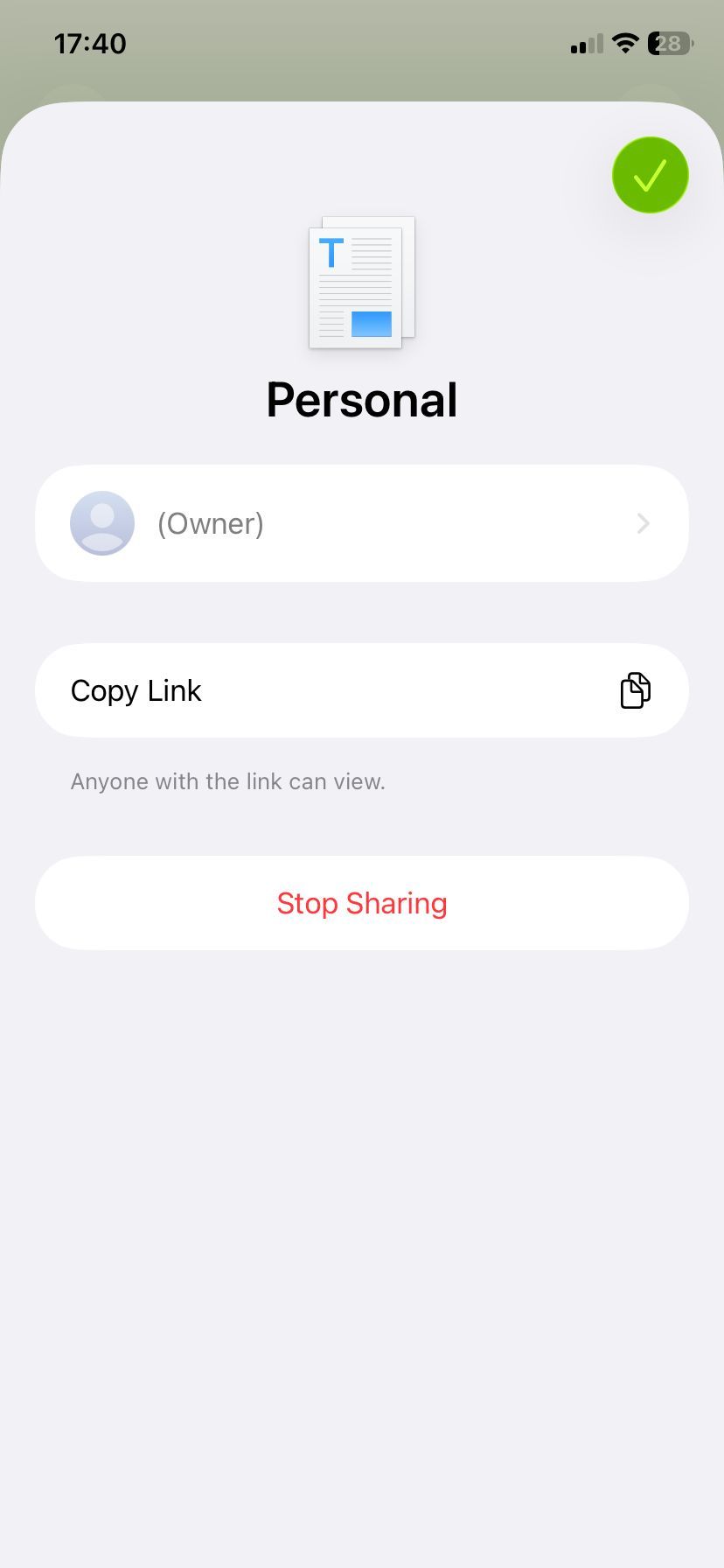
Tap Stop Sharing
Confirm
⚠️ What happens when you stop sharing
People you shared with will lose access immediately
The profile becomes private again
All subscriptions remain unchanged for you
🔒 What others will see
They will no longer see the profile
Shared subscriptions will disappear from their app
💡 Tip
If you only want to stop access for now, you can:
Stop sharing
Share again later with a new link
⚠️ Important
Stopping sharing does not cancel any subscriptions.
It only removes access to the shared profile in Subio.
Still need help? Ask the team